

Set Sharecuts as your homepage on Firefox
Mar 10, 2025●
1
Head to the Sharecuts Firefox extention page here and click "Add to Firefox"
 and click "Add to Firefox"](https://assets.guidejar.com/uploads/4EC00F9C-A7D6-4F17-824C-F7C8C911A2EE/v9tSMv6Wh8cdgeD4B0zVcbiqGTn2/9EB8BC99-B81B-4A60-92A5-A3C771DF700F/1741647750399.png)
2
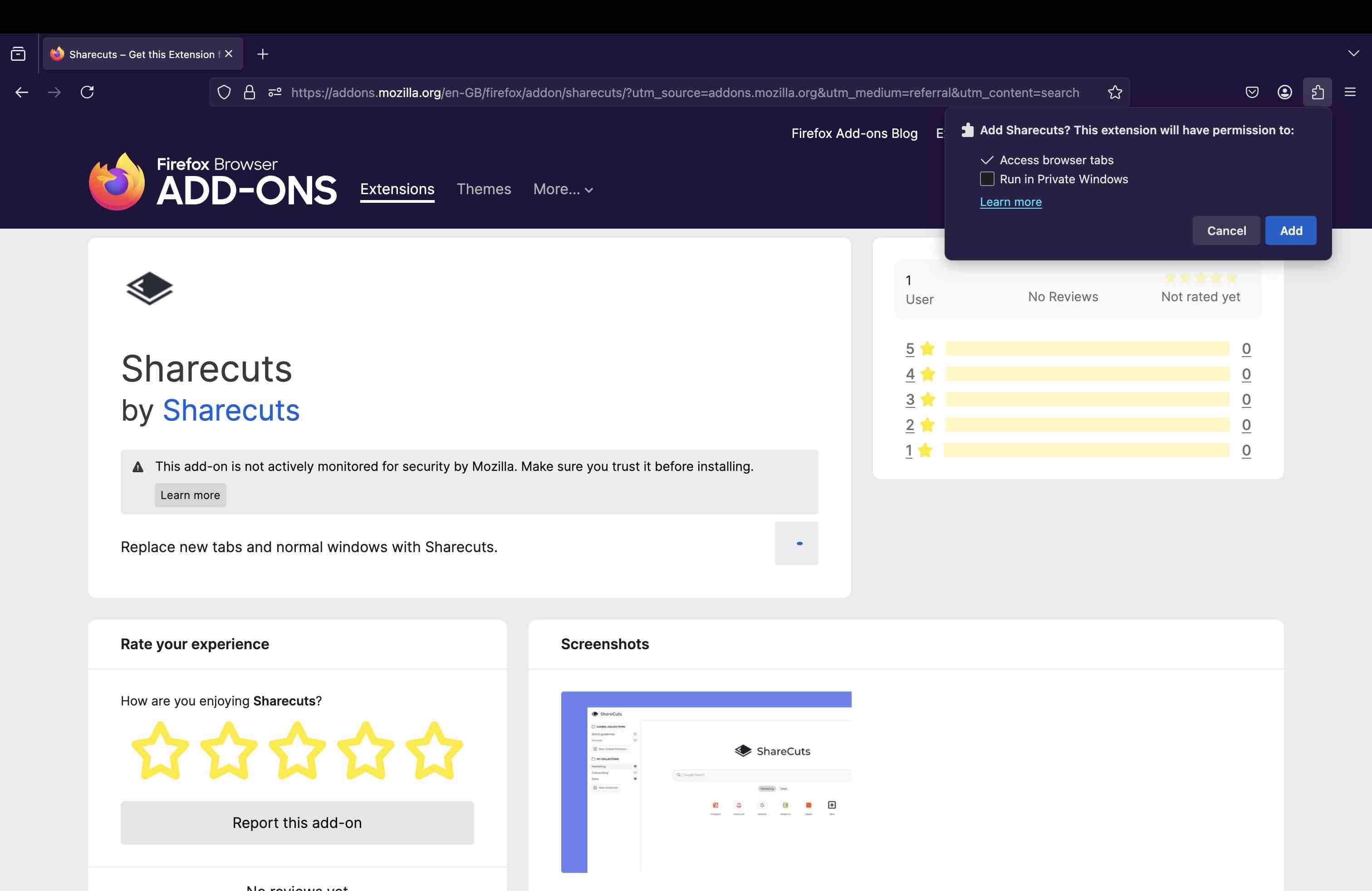
Click the "Add" button in the top right
3
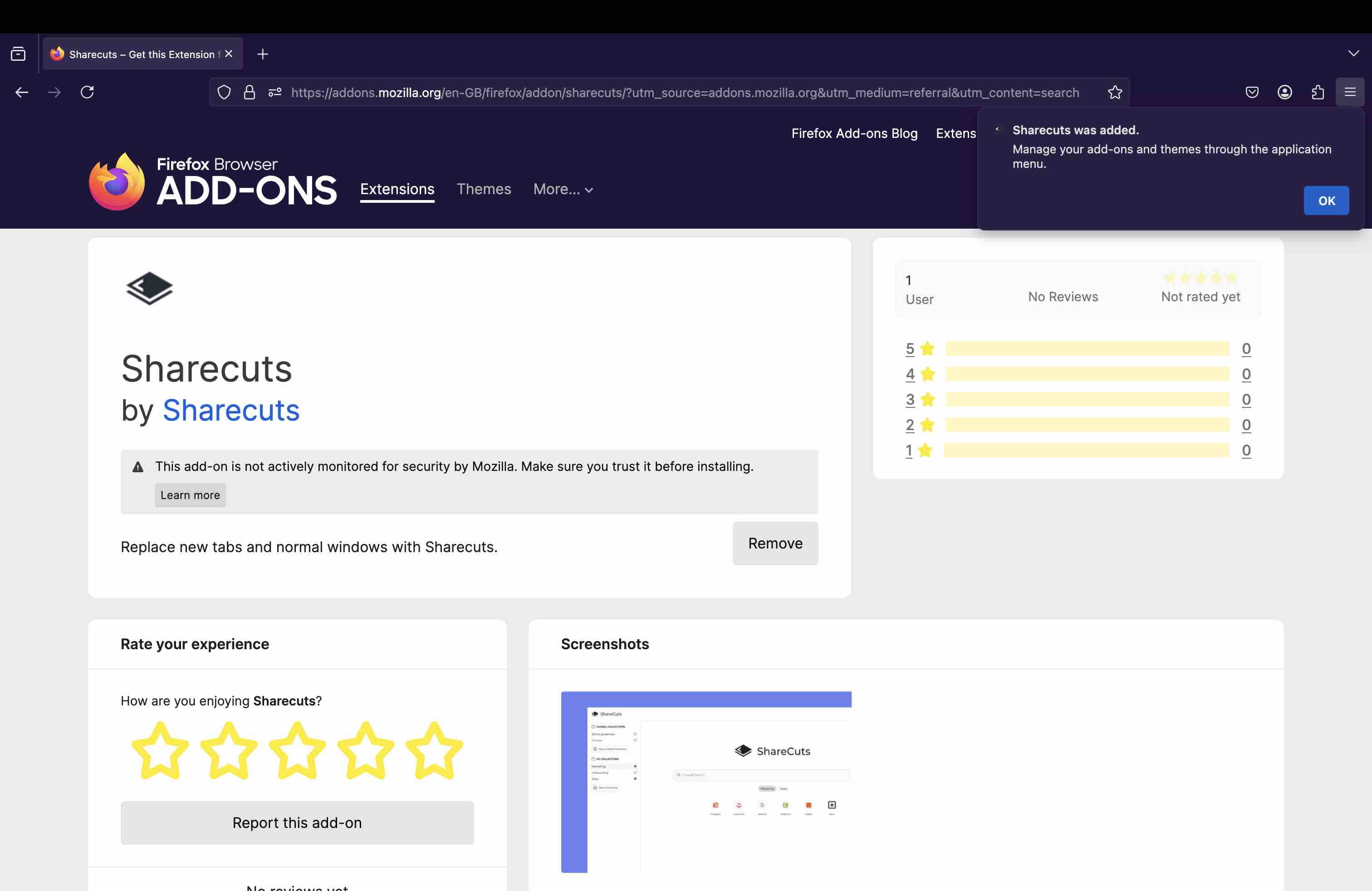
Finished!
Head to the Sharecuts Firefox extention page here and click "Add to Firefox"
Click the "Add" button in the top right
Finished!