Set Sharecuts as your homepage on Google Chrome and Microsoft Edge
Mar 10, 2025●
1
Head to the Sharecuts google chrome store page and click "Add to Chrome"
 and click "Add to Chrome"](https://assets.guidejar.com/uploads/54340E38-C8B5-49A0-A758-DD65998053BD/v9tSMv6Wh8cdgeD4B0zVcbiqGTn2/18A94269-AD6E-4F84-BDA7-2E72F940A6E7/1741647252509.png)
2
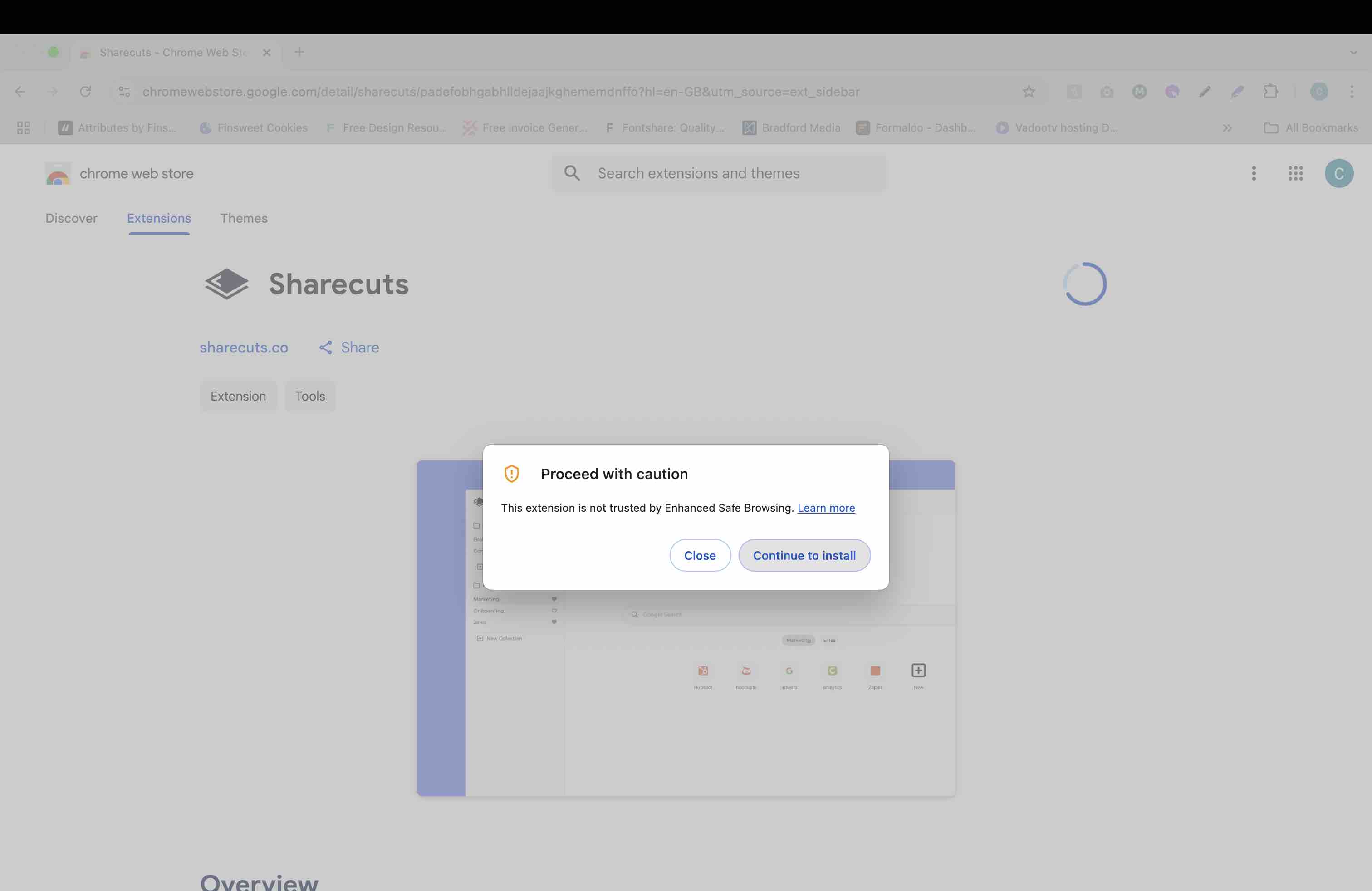
Click "Continue to install"
3
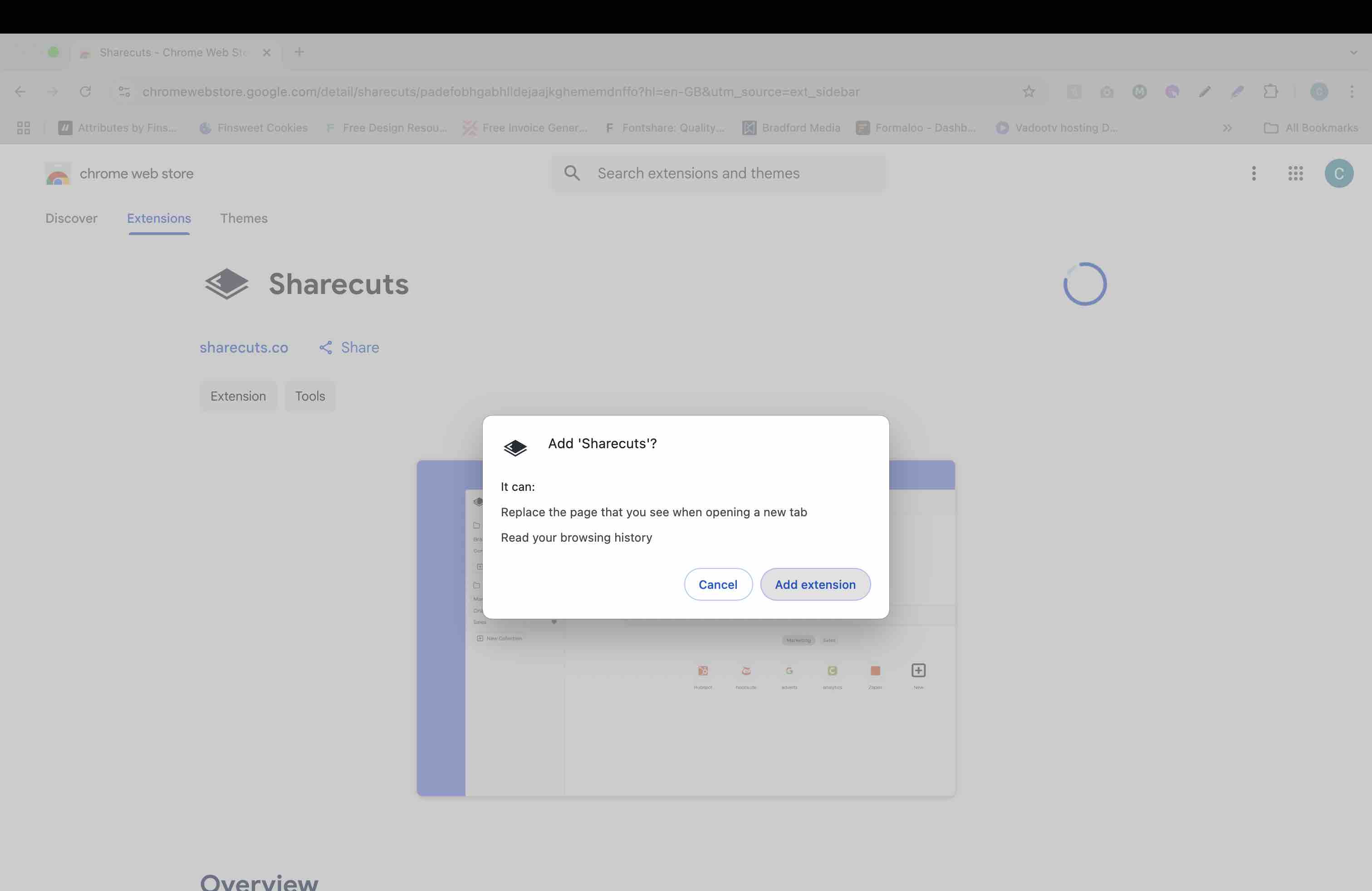
Click "Add extension"
4
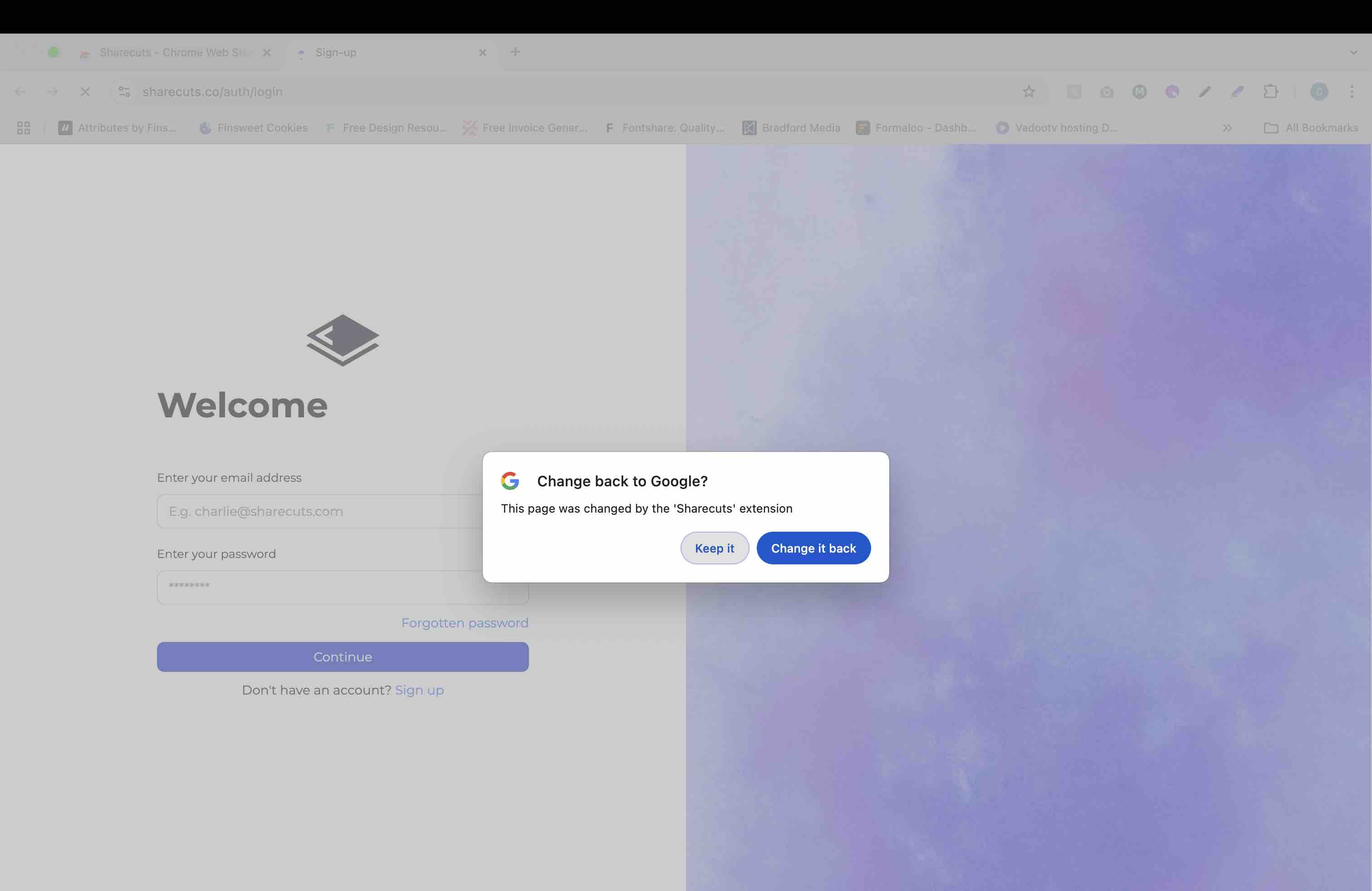
When Prompted on next new tab, click "Keep it"